Translate, summarize, and chat with any PDF document using AI. One app, three providers, 54 languages — on all your Apple devices.
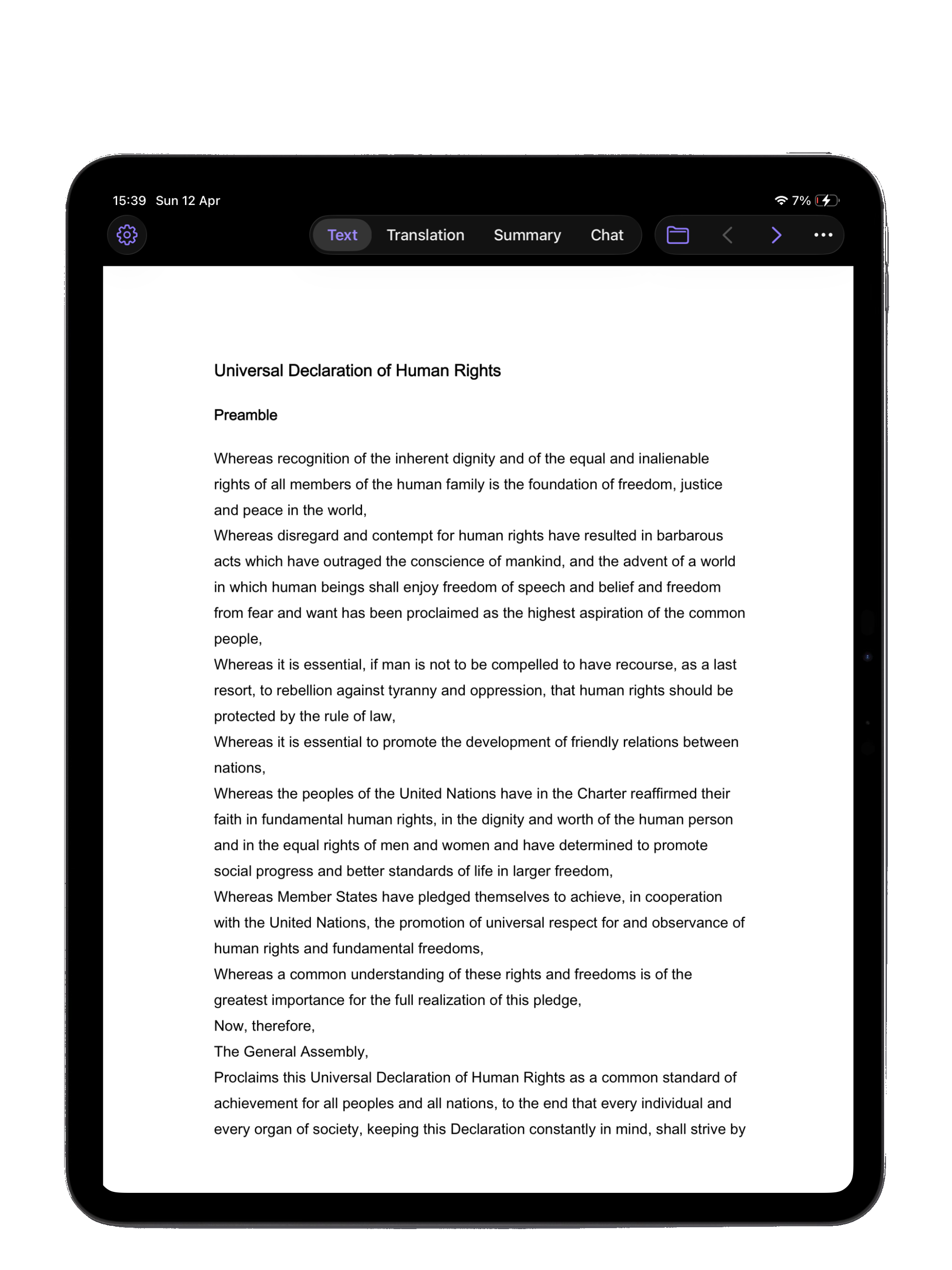
Shown on iPad Pro 13" (M4). iPadOS 18 or later.
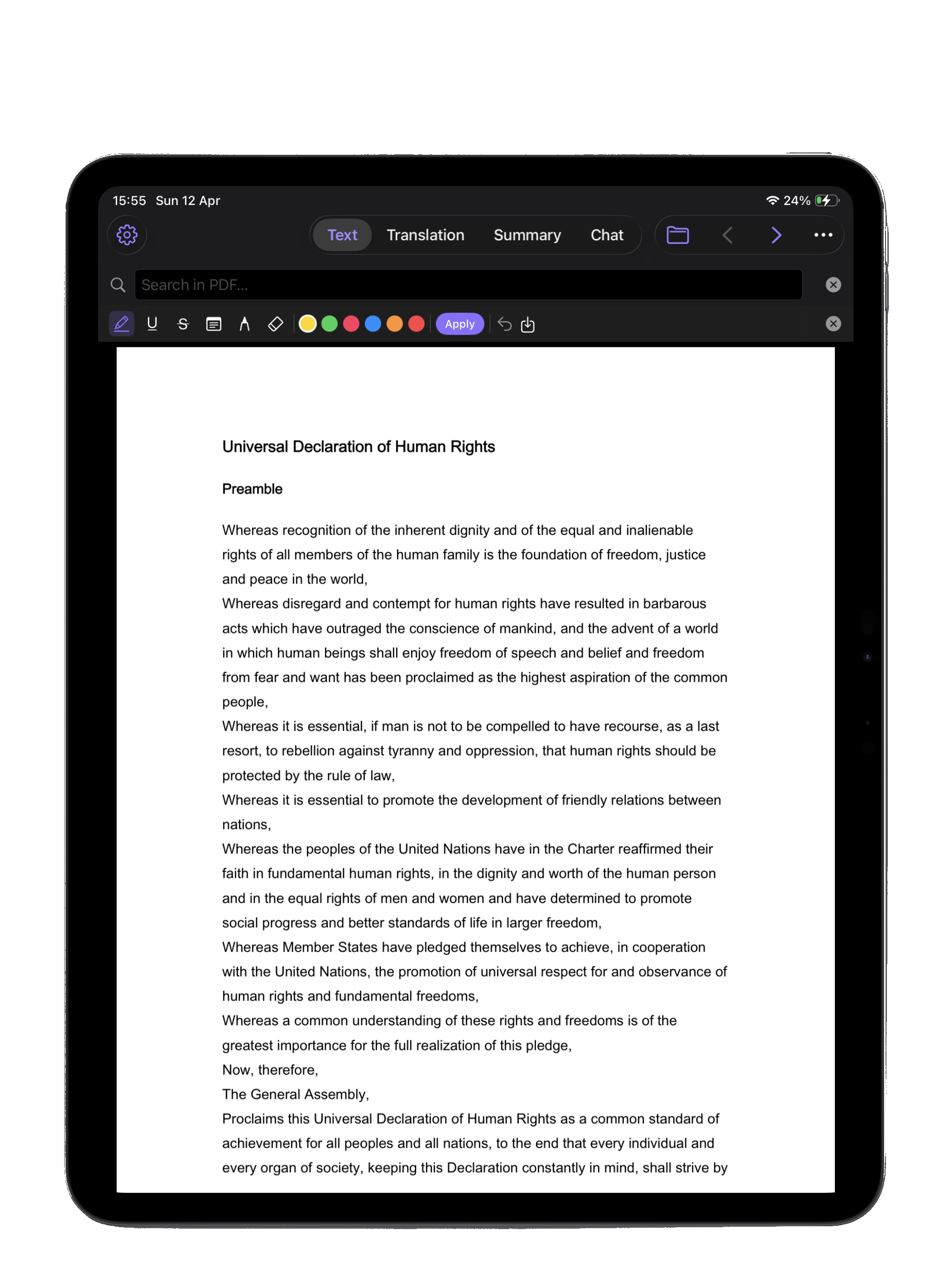
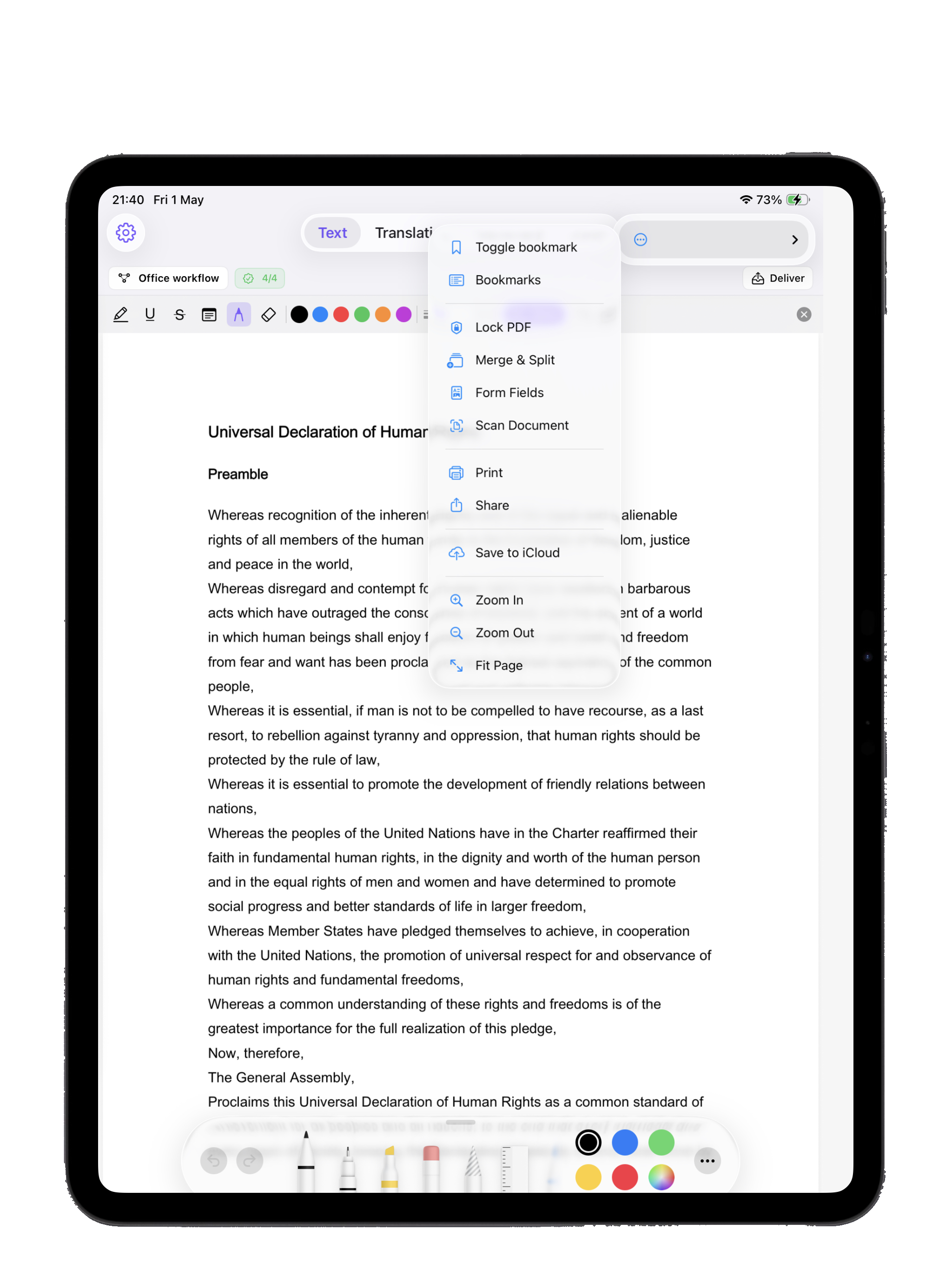
Annotate your PDFs the way you'd mark up a printed page — only better. Natural ink, pressure sensitivity, palm rejection, and instant color switching with a tap on Apple Pencil Pro. Start in landscape to activate, then rotate freely.
Shown on iPad Pro 13" (M4). iPadOS 18 or later.
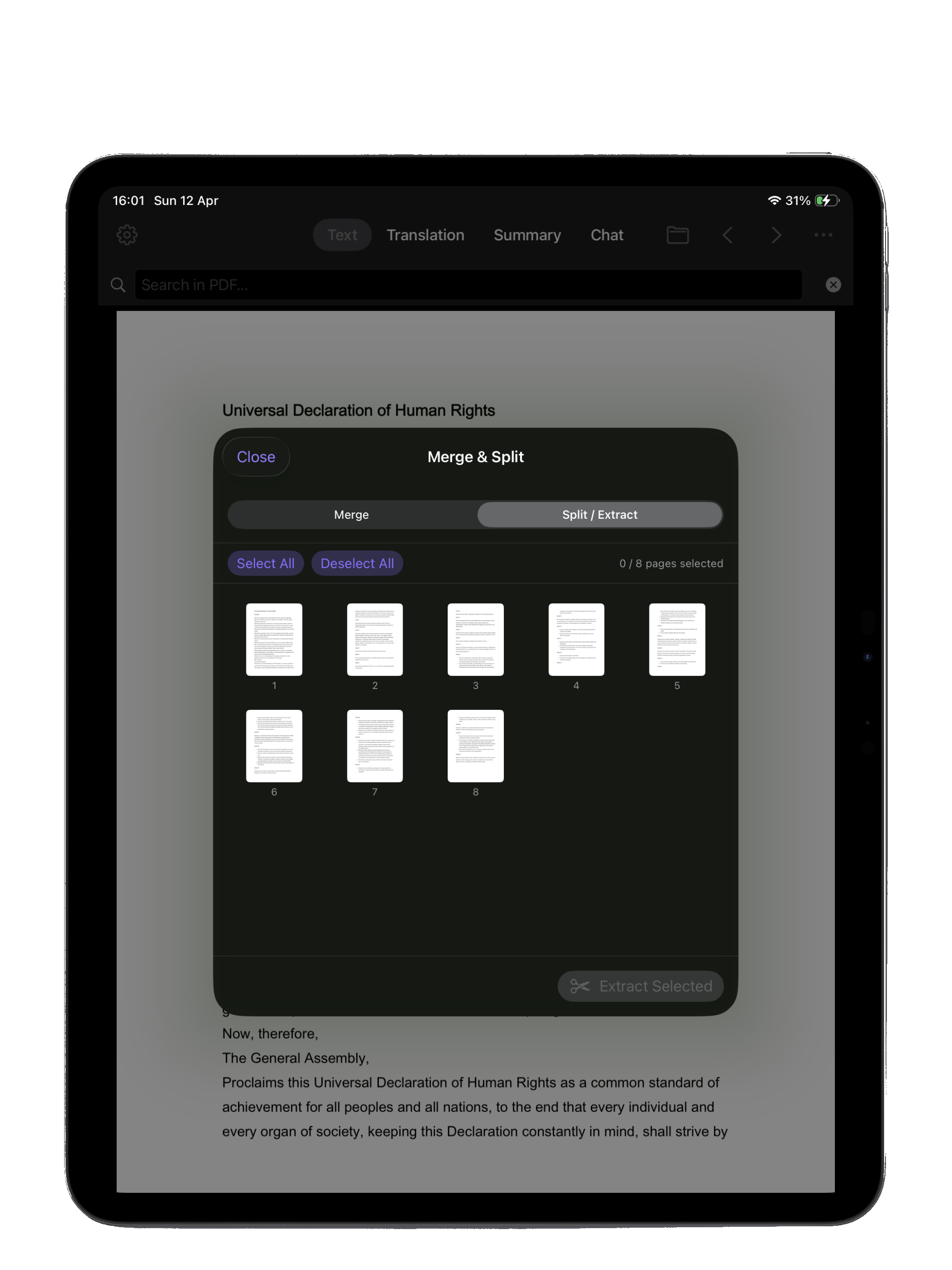
A quick-actions menu keeps the essentials at your fingertip — bookmark a page, lock the PDF with a password, print straight to AirPrint, share via the system sheet, scan a new document, or merge and split with surgical precision.
Shown on iPad Pro 13" (M4). iPadOS 18 or later.
Compare contracts, translate side-by-side, or research two papers at once with full Split View and Stage Manager support. Your iPad finally becomes the research desk you always wanted.
Shown on iPad Pro 13" (M4). iPadOS 18 or later.
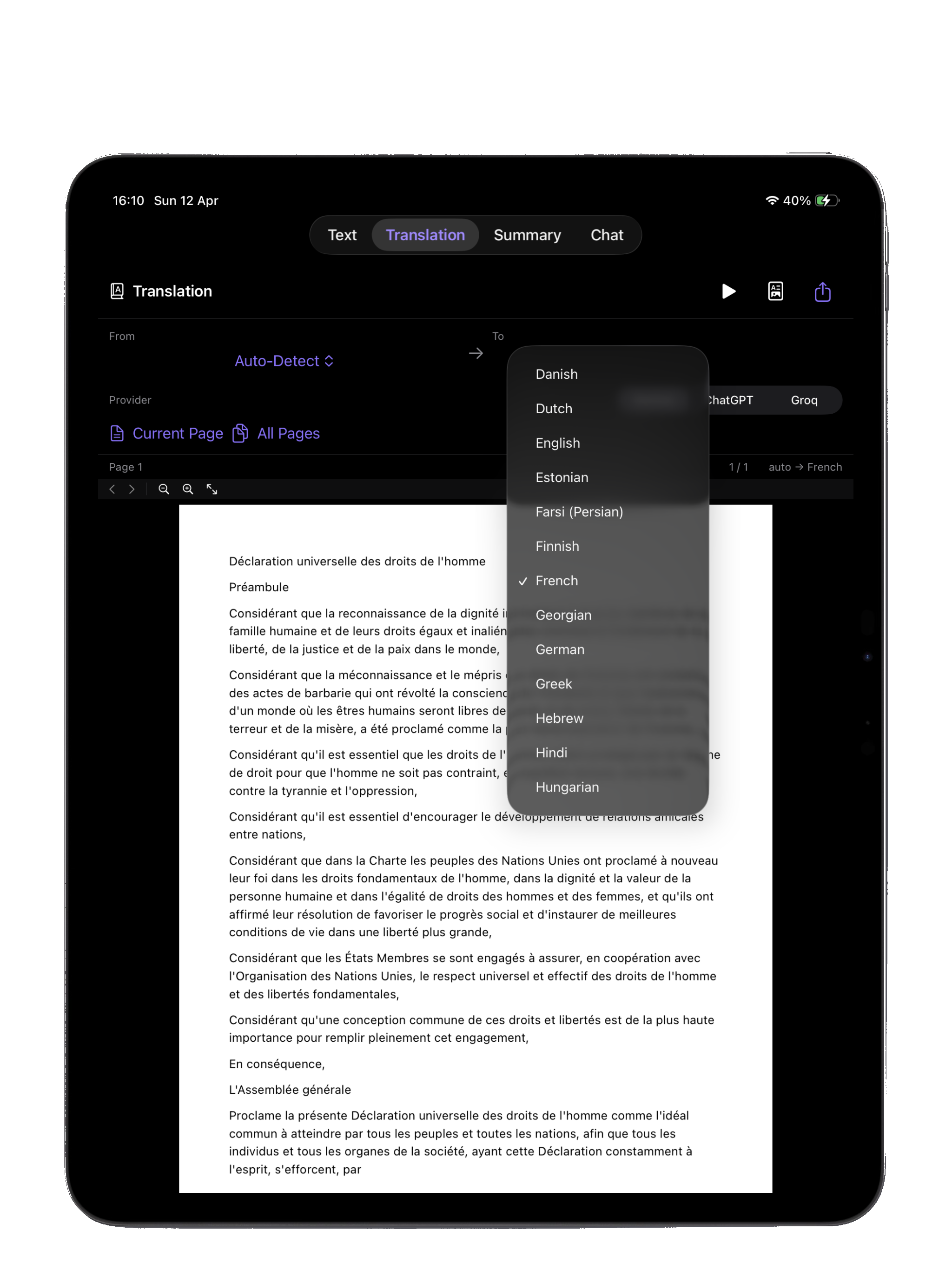
Open a contract in German, a research paper in Japanese, or a manual in Portuguese — and get a clear translation right on your iPad. Pick your AI provider and translate a single page or the entire document.
New in 1.2 — Shown on iPad Pro 13" (M4). iPadOS 18 or later.
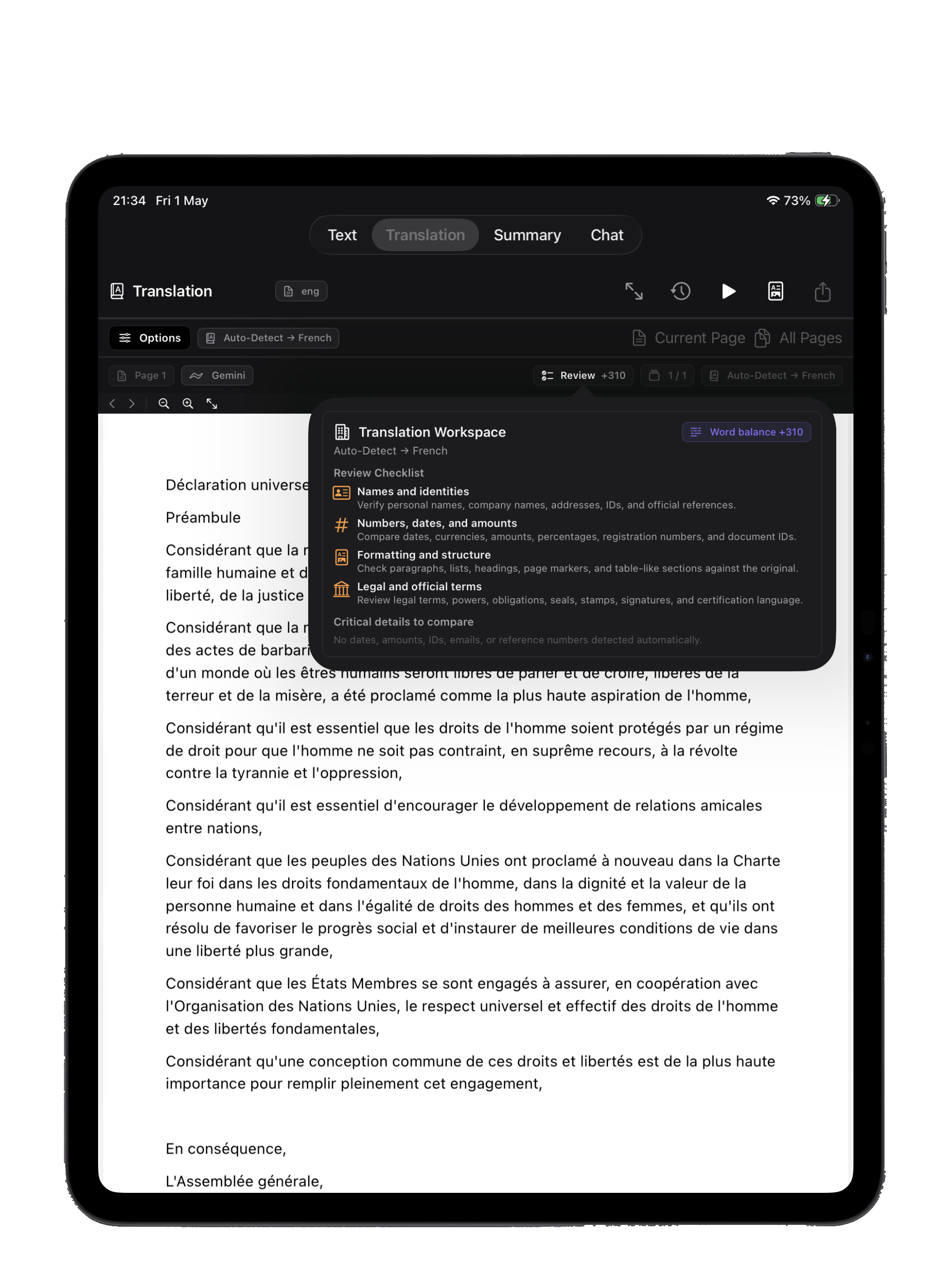
A dedicated review pane auto-extracts contract numbers, dates, amounts, emails, phone numbers, VAT IDs, and registration numbers from both source and translation — with a clear word-balance delta — so you can spot any discrepancy at a glance.
Shown on iPad Pro 13" (M4). iPadOS 18 or later.
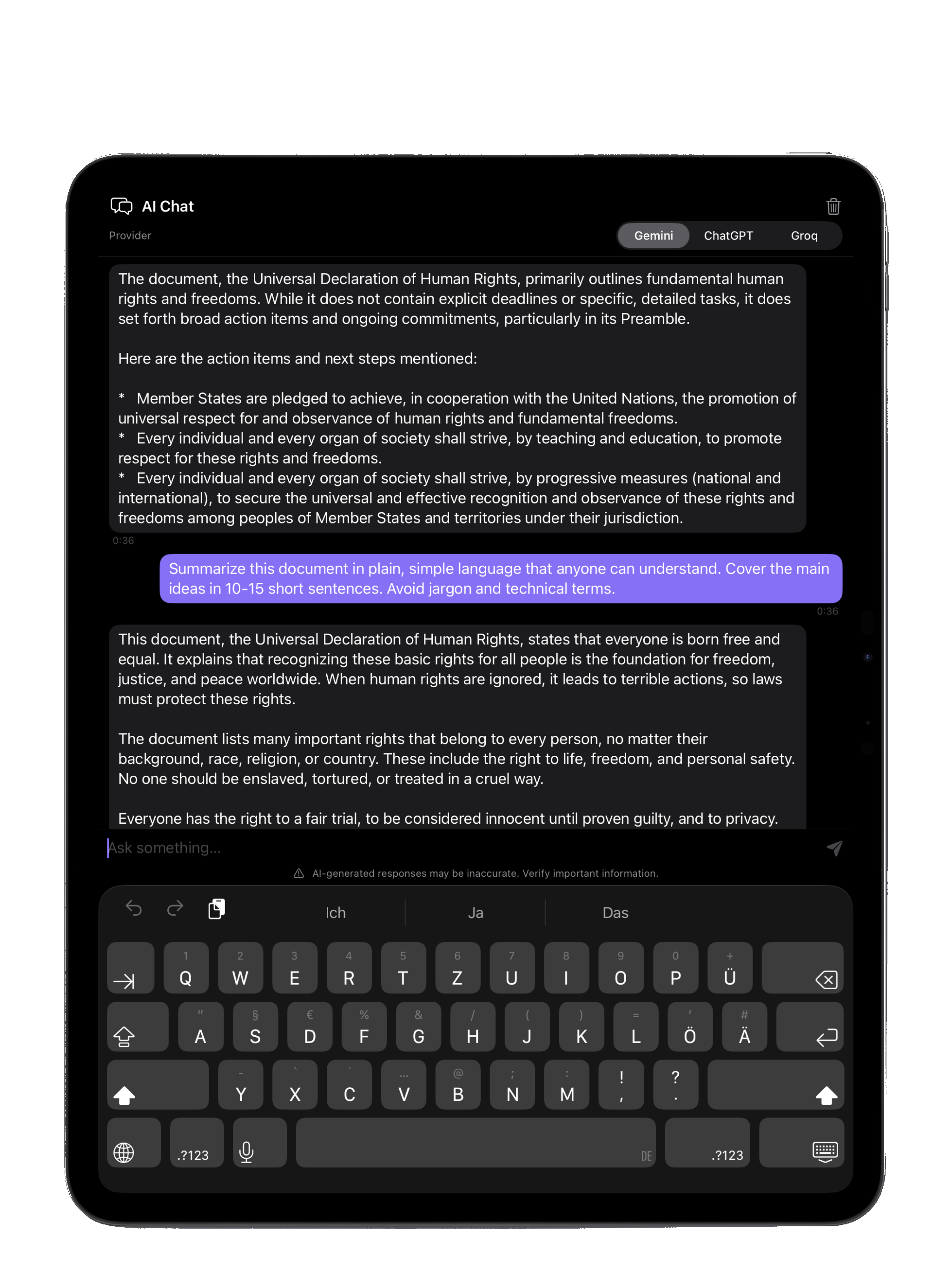
Ask questions, request explanations in simpler terms, get definitions, extract data, or find that one clause buried on page 47. Your iPad turns into a conversational PDF expert.
New in 1.2 — Shown on iPad Pro 13" (M4). iPadOS 18 or later.
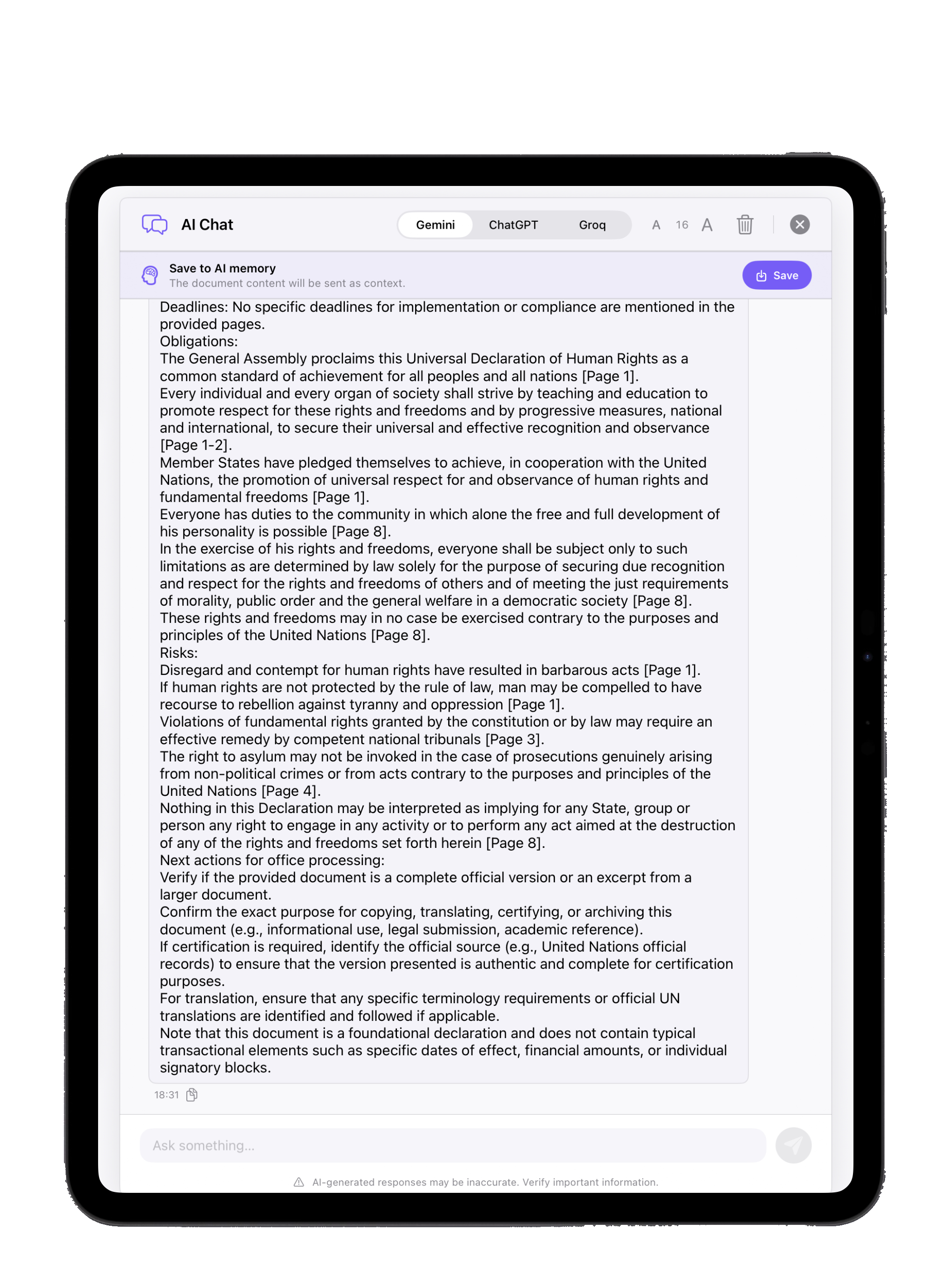
Save key takeaways from any chat as persistent AI Memory — the next time you open the PDF, the AI picks up exactly where you left off. Pick your provider per message: Gemini, ChatGPT, or Groq, with adjustable font size for comfortable reading.
New in 1.2 — Shown on iPad Pro 11" (M1). iPadOS 18 or later.
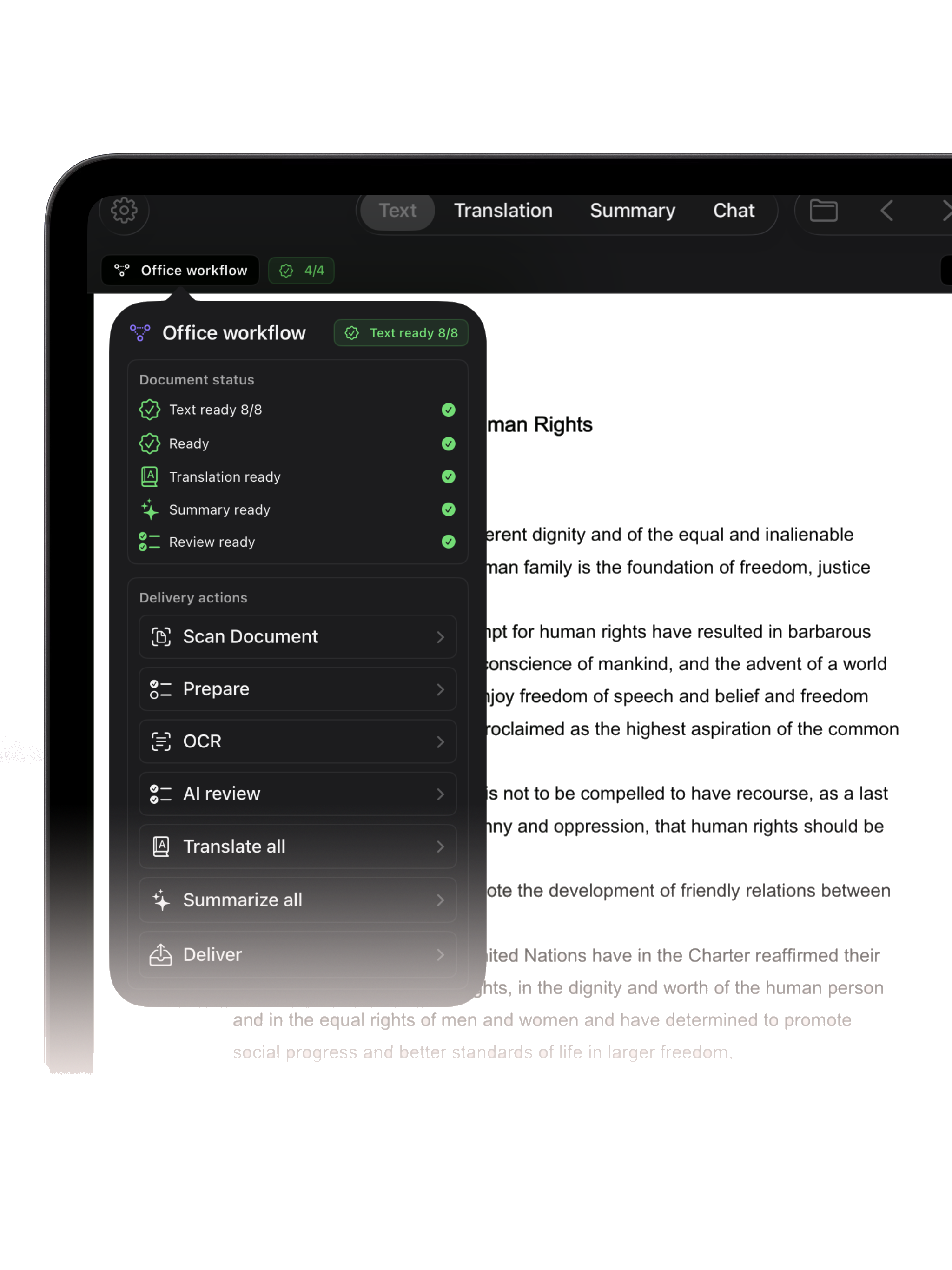
Track document status at a glance — Text ready, Translation ready, Summary ready, Review ready — and reach every delivery action in one panel: Scan Document, Prepare, OCR, AI Review, Translate all, and bundle the result into a client-ready package.
New in 1.2 — Shown on iPad Pro 13" (M4). iPadOS 18 or later.
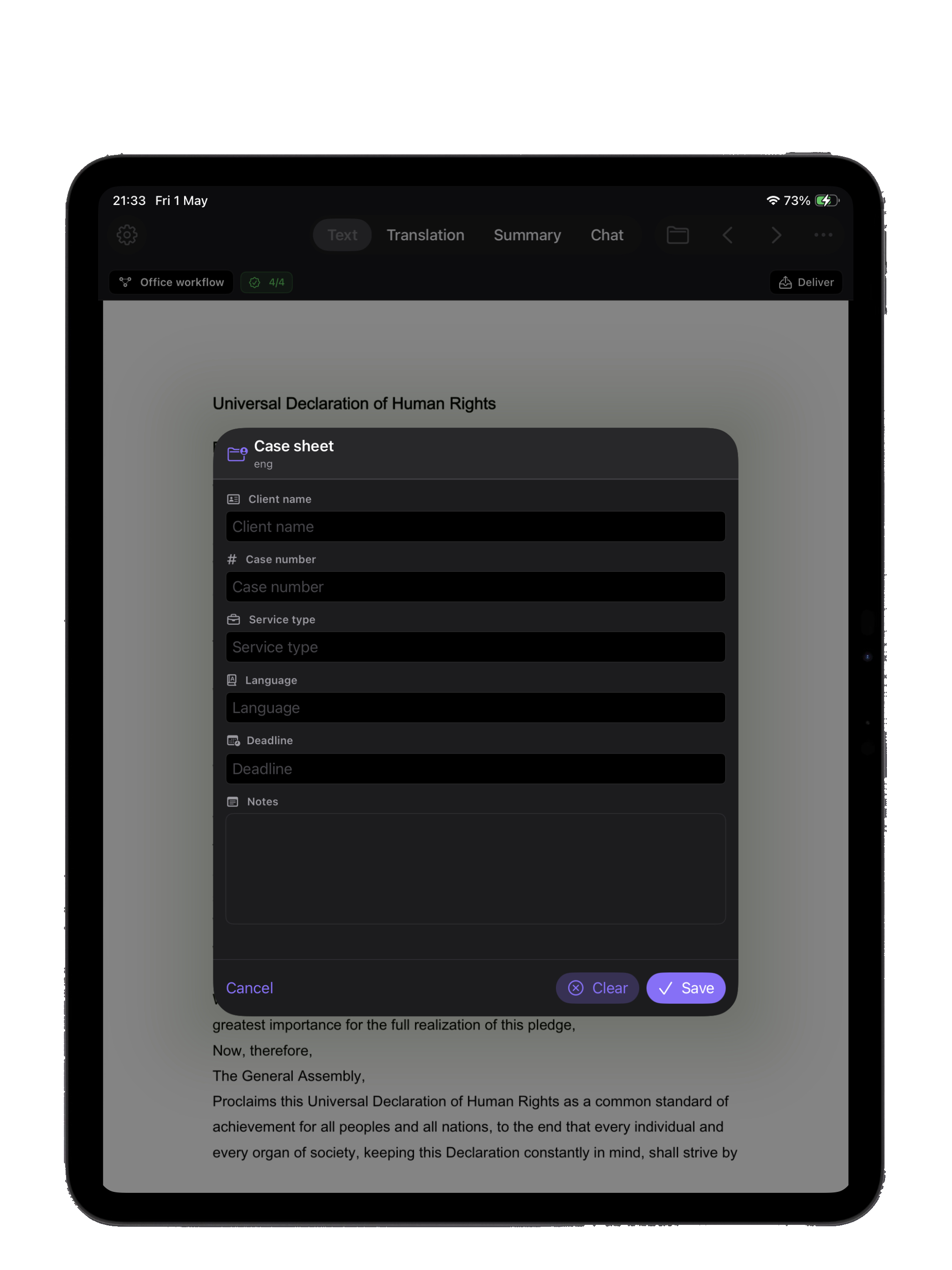
Attach client metadata directly to any PDF: client name, case number, service type, language pair, deadline, and notes. The case sheet travels with the document through every operation and lands in the final delivery package automatically.
New in 1.2 — Shown on iPad Pro 13" (M4). iPadOS 18 or later.
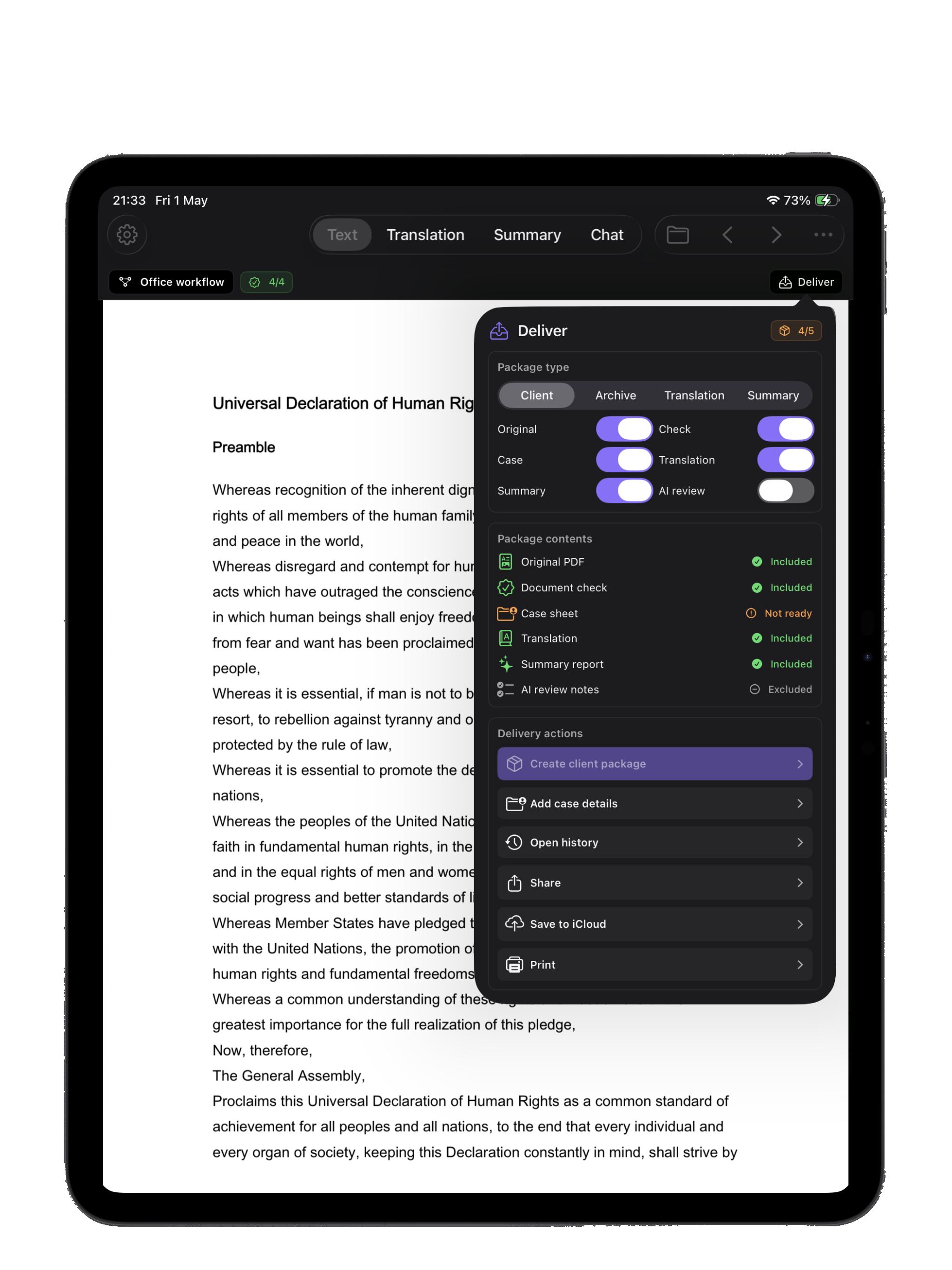
Bundle the original PDF, OCR'd pages, summary, translation, AI review notes, and the case sheet into a single professional package ready to hand over — choose from four presets: Client, Archive, Translation Only, or Summary Only.