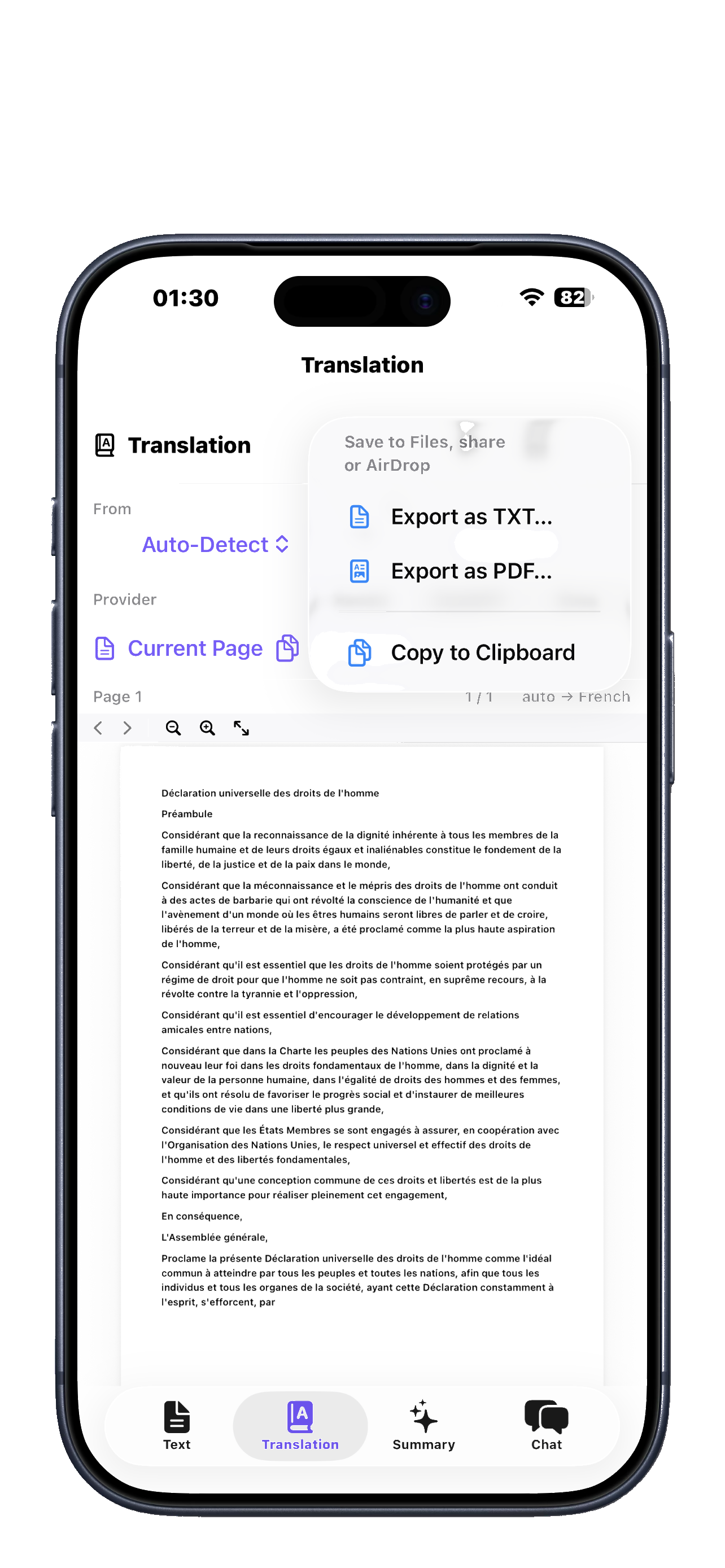
Available on macOS & iOS
✨ New in 1.2 — AI Memory, Office Workflow & Signature Pad → PDF AI Suite Icon
Your PDFs, Powered by AI

Translate into 54 languages, get instant AI summaries, chat with your documents, annotate, merge, split, and more.

AI that understands your documents

PDF AI Suite analyzes your files, extracts key ideas, and gives you instant summaries, answers, and insights. It helps you understand complex documents faster and work more efficiently, without searching through pages.
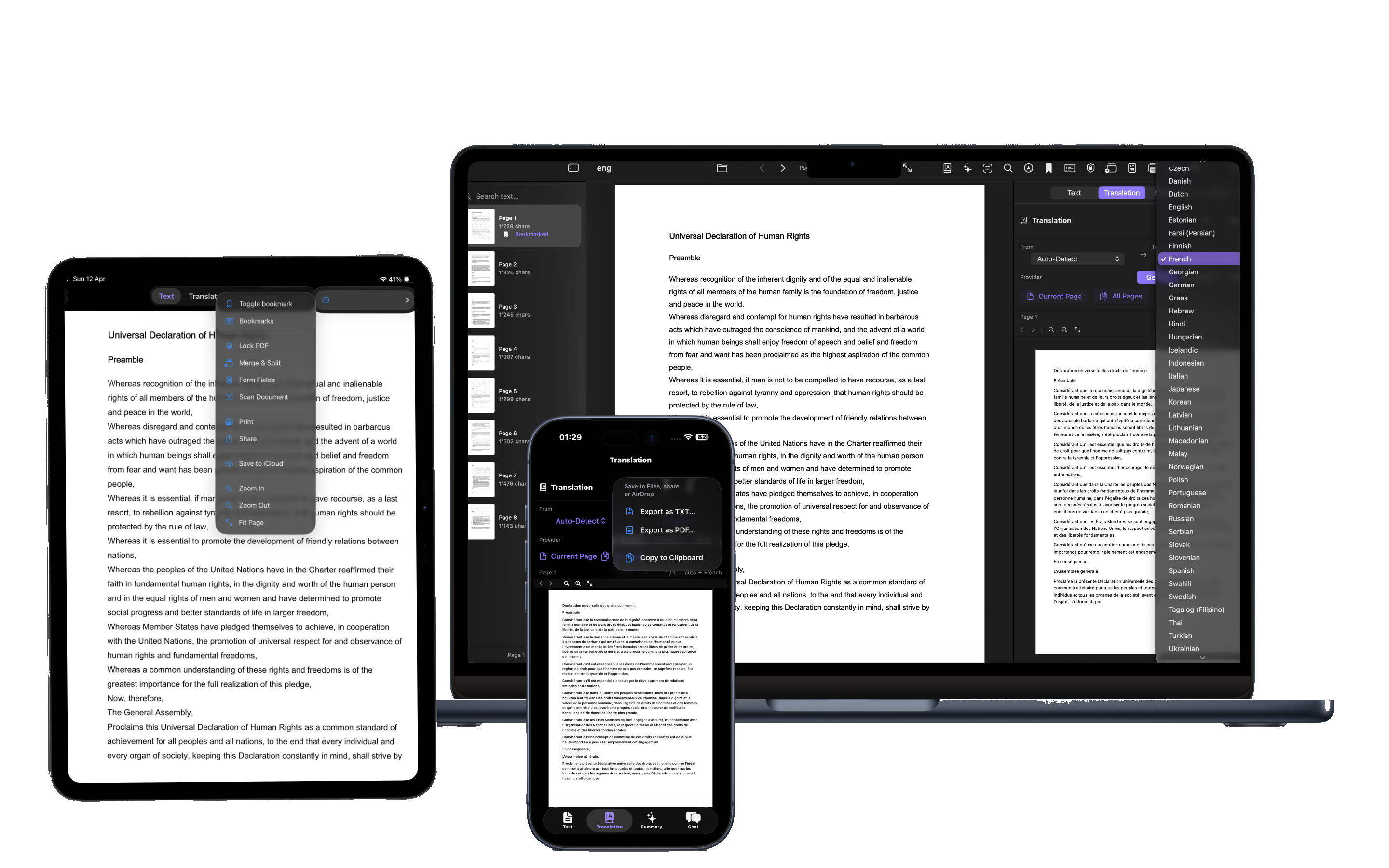
PDF AI Suite on MacBook, iPad and iPhone

Your documents, beautifully organized

The app keeps your PDFs structured, searchable, and easy to manage. You can annotate, merge, split, and navigate documents effortlessly, with a clean and intuitive experience designed for speed and clarity.
54
Languages Supported
50+
Features Built-in
3
AI Providers
0
Subscriptions
Version 1.2 — May 1, 2026

A complete office workflow.
Now built into every PDF.

The biggest update yet brings persistent AI memory, per-document history, professional client delivery packages, and native macOS signature pads — all across 54 translation languages.

🧠

AI Memory

Save key takeaways from any chat. The AI automatically remembers them next time you open the PDF.

📚

Document History

Every chat, summary, and translation is saved per PDF — reopenable with one click, even after renaming the file.

💼

Office Workflow

Attach client metadata, run pre-flight checks, and bundle results into client-ready delivery packages.

✍️

Signature Pad

Native macOS signature capture with trackpad or mouse. Editable ink: move, resize, recolor on the page.

📋

Structured Reports

Summaries now include Executive Brief, Key Points, Verification Checklist, and Office Observations.

🔎

Translation Review

Auto-extracts contract numbers, dates, amounts, emails & VAT IDs for verification, with word-count delta.

Smart Provider Fallback

If your preferred AI is busy, the app automatically tries the next one — zero waiting, no failed requests.

📌

Page Citations

AI answers reference specific [Page N] markers when discussing your document — verifiable, traceable.

See full changelog →
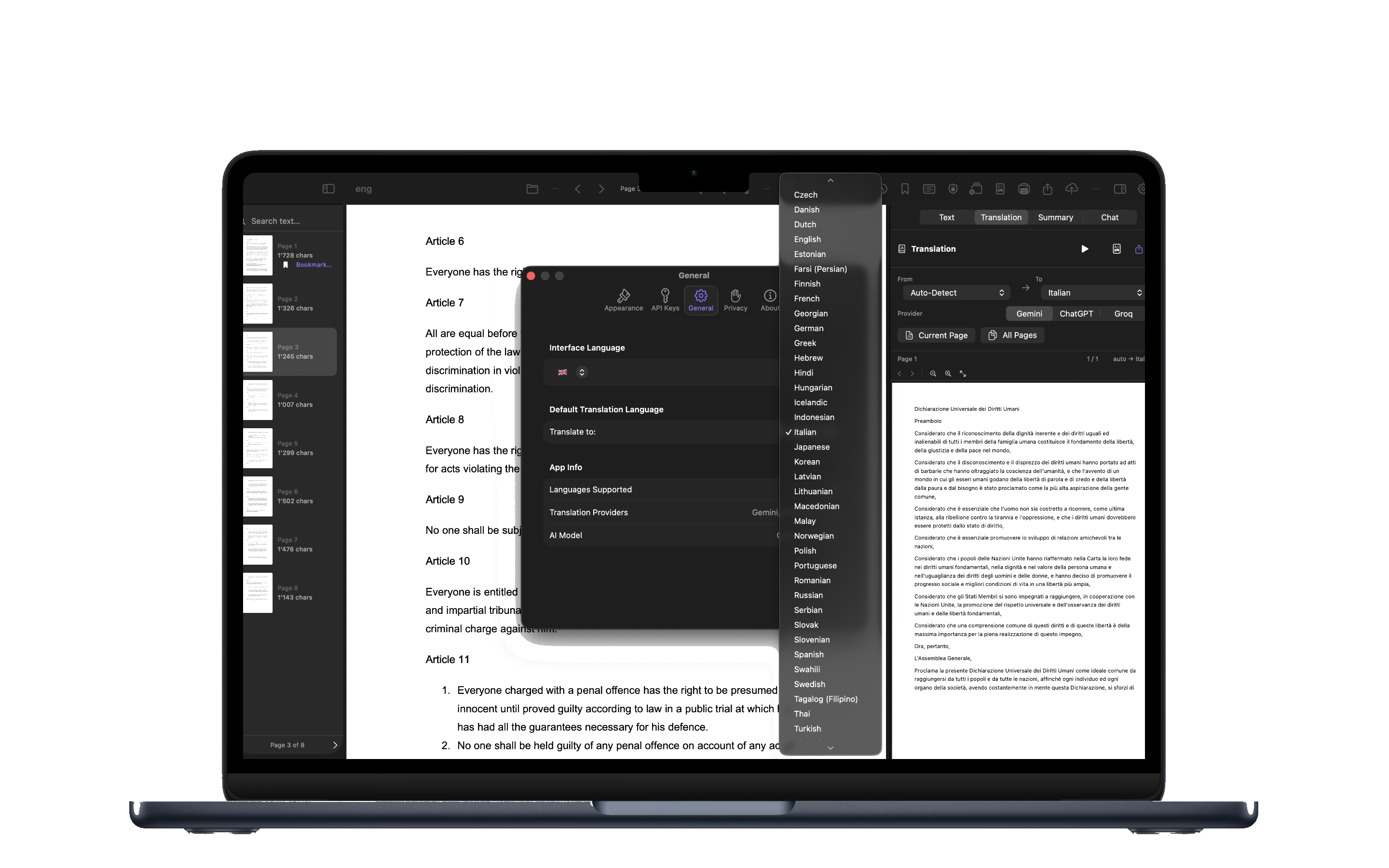
PDF AI Suite on MacBook

Translate any PDF.
In 54 languages.

Open a contract in German, a research paper in Japanese, or a manual in Portuguese — and get a clear translation instantly. PDF AI Suite uses Gemini, ChatGPT, or Groq to translate any page or your entire document, preserving the original layout and meaning.

Discover Mac
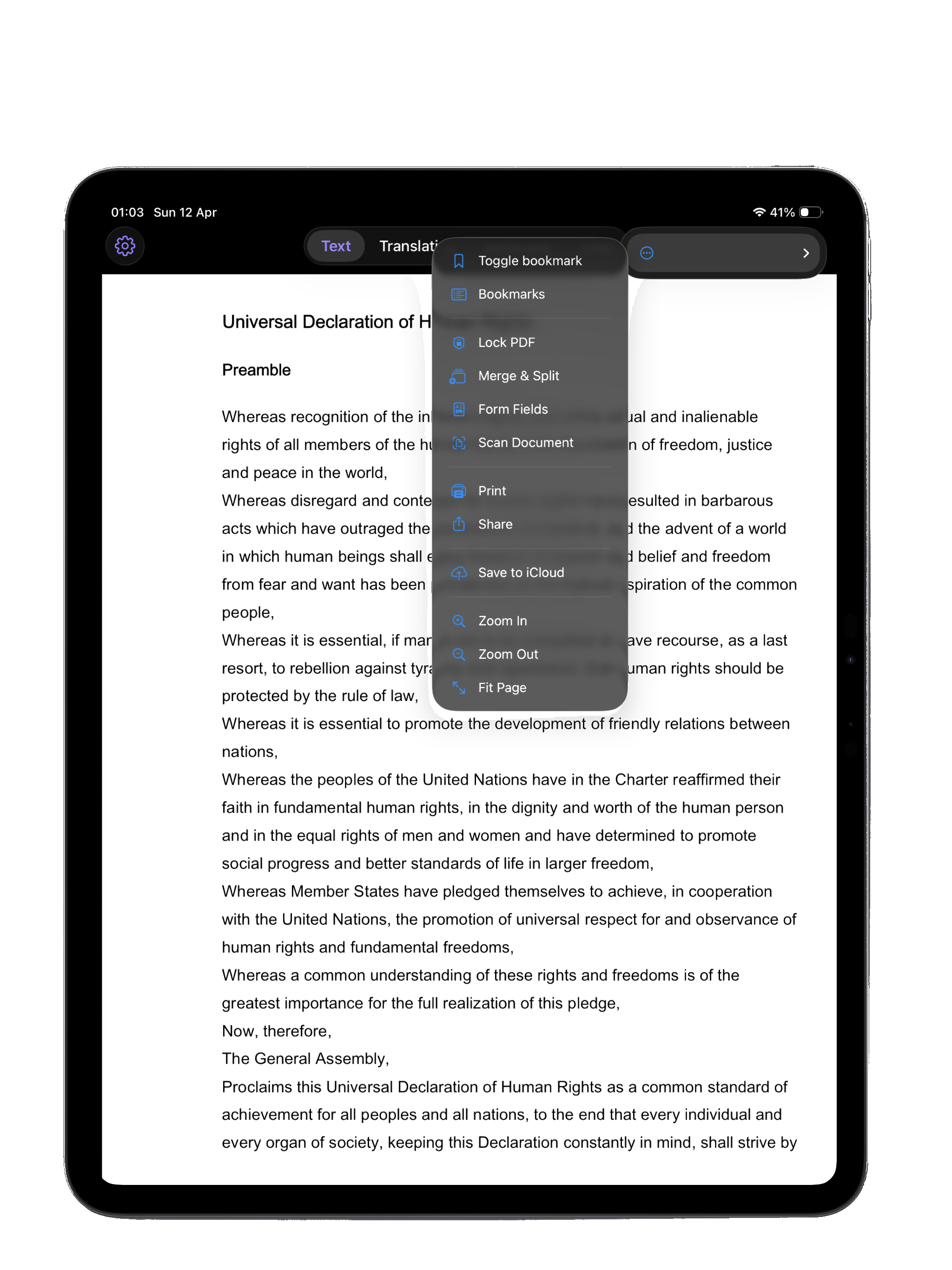
PDF AI Suite on iPad

Your portable
PDF workspace.

Annotate, bookmark, merge, split, scan documents with your camera, and manage your entire PDF library from one app. iPad gives you the perfect canvas — big enough to read comfortably, light enough to carry everywhere.

Discover iPad
PDF AI Suite on iPhone

Your PDF assistant,
in your pocket.

Scan a receipt, translate a menu abroad, summarize a report on the train, or chat with a document while you wait. iPhone makes PDF AI Suite available wherever life takes you — with the same powerful features as Mac and iPad.

Discover iPhone

One app. Every Apple device.

iPhone, iPad, MacBook and iMac. Purchase PDF AI Suite once and download it on everything you own — at no extra cost, with the same Apple ID.

PDF AI Suite on MacBook, iPad and iPhone
MacBook iPad iPhone

Simple, Honest Pricing

Pay once. Use it forever. On all your Apple devices.

$9.99 one-time
  • All 50+ features unlocked
  • iPhone, iPad & Mac
  • No subscription
  • Free updates forever
Download on the App Store

Android version coming soon.

Got questions? Ask our AI Assistant!
AI Chat

PDF AI Suite Assistant

Hi! I'm the PDF AI Suite assistant. How can I help you today?